 Hacks
HacksLearn where hidden cameras are commonly found in vacation rentals, how to spot them using your phone and flashlight, and what to do if you find one.
Hidden cameras in a vacation rental sound like a nightmare scenario, but for most trips they're not something you'll run into.
Mark of Wolters World walked through the common hiding spots and detection tricks in a rental in Kotor, Montenegro.
Still, the technology has shrunk to the point where a lens can sit inside a lamp base, a teddy bear, or a bathroom towel hook.
Knowing where to look, and what to do if you find something, takes a few minutes and buys peace of mind...
1. Ask Before You Book
Plenty of rentals list that they have cameras, and most of the time those are outside the property. If a listing mentions cameras, it's worth writing the host to ask exactly where they are.
Some owners keep cameras in common areas like a balcony or living room. People rent out their own homes without pulling the security system, so the devices stay put.
Knowing a kitchen camera exists changes how you move around the place.
2. Start by Noticing What's Out of Place
Before you hunt for lenses, scan the room for anything that doesn't fit. A teddy bear staring at the bed in a master bedroom is odd. Anything strange can be moved, then put back when you leave.
If something gives you a bad feeling, turn it around so the lens faces the wall.
3. Check the Outlets and Adapters
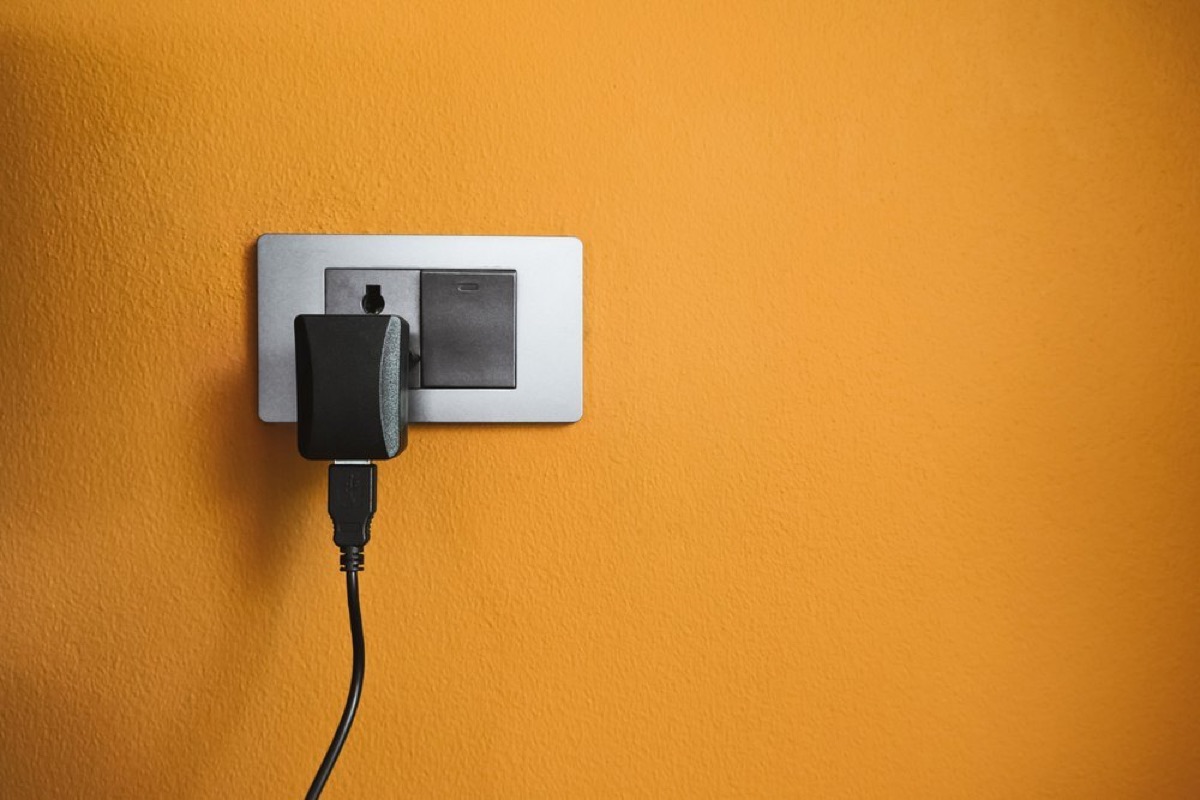
Outlets are a common spot because companies make outlet covers with cameras built in. Someone can also plug in a device that looks like an ordinary phone charger square left behind.
If you see an adapter facing the bed or sitting in the bathroom, that's a red flag. Unplugging it won't damage anything, and you can plug it back in later. Look for a lens or a small red light, since recording devices often show one.
4. Inspect Lamps and Light Fixtures
A lamp with a large base or a light fixture overhead can hide a small camera, and even a light bulb can hold one depending on who makes it.
Spin the lamp around and look for an extra cord or an SD card slot. A slot for a memory card is a strong sign you're looking at a camera, not a lamp.
5. Test Mirrors With a Flashlight
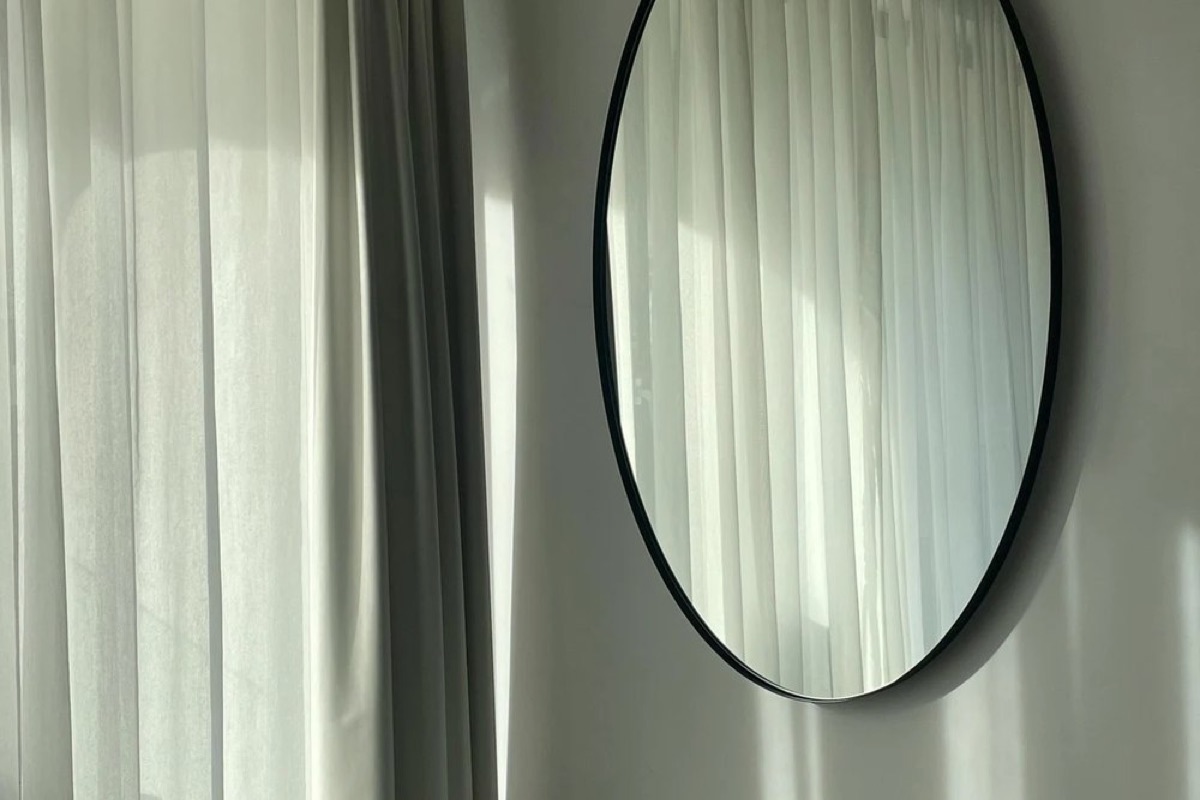
A two-way mirror is hard to spot in normal light. Turn off the room lights, turn on your phone's flashlight, and look at the glass.
If you see only your reflection, the mirror is fine. If you see more than yourself behind the surface, treat it as a two-way mirror and be cautious.
6. Look at the Vents
Vents are worth a look, since a miniaturized camera can sit on one. The old spy-movie camcorder in the vent has given way to something far smaller that tucks right onto the grille.

7. Check the Bookshelves
A camera can hide in a book's spine, looking out at the room while it blends into the shelf. It's the modern version of the old teddy-bear nanny cam, so give the bookshelf a glance.
8. Inspect the Alarm Clock
Alarm clocks are a popular device for hidden cameras, so check for a lens or a red light. You don't need a rental's alarm clock when your phone wakes you, so unplug it and move it to another room.
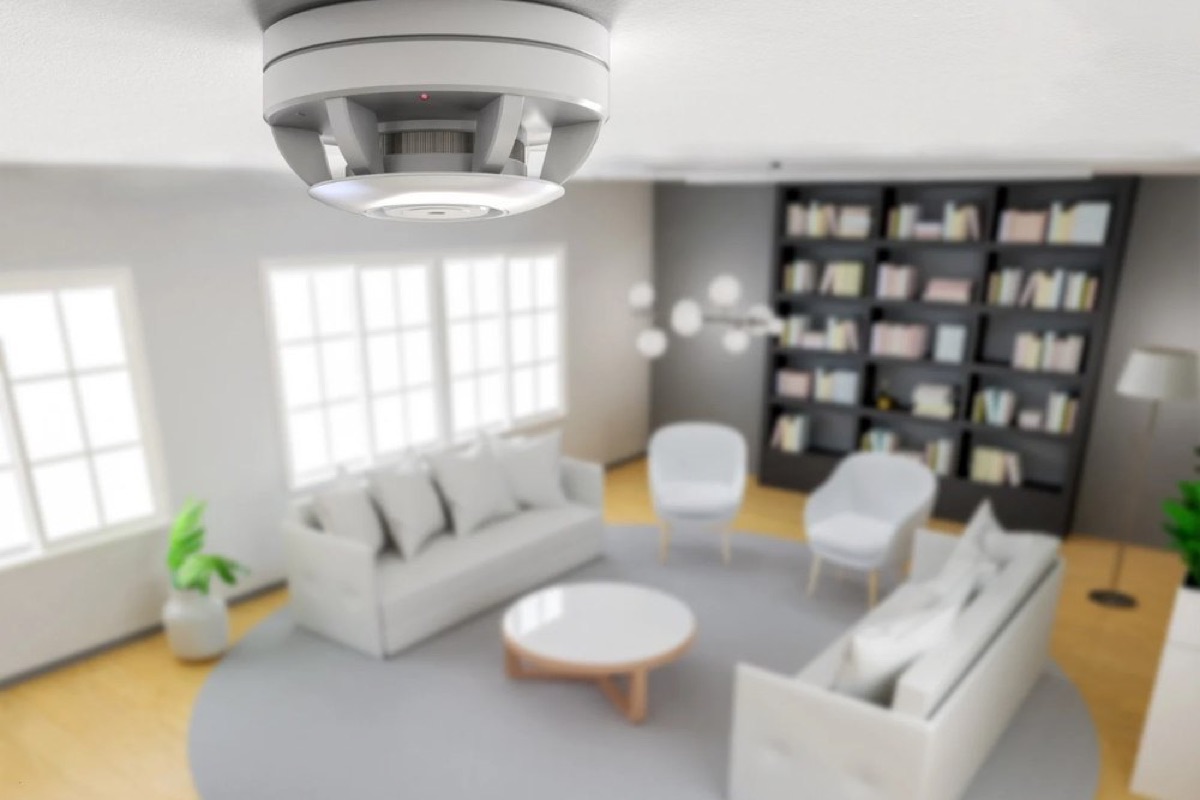
9. Count the Smoke Detectors
Multiple smoke detectors in one small bedroom make no sense, and that's another place a camera can sit. A green light means it's working normally, while a red light can mean it's recording or that the batteries are low.
10. Scan With Your Phone and the Wi-Fi
With the lights off, move your flashlight around the room and watch for reflections off camera lenses. The front-facing camera on your phone can also pick up infrared light from some devices.
Log into the rental's Wi-Fi and look at the connected devices. TVs, a cable box, and your own phones should account for everything.
An unexplained device is a reason to dig deeper, though smart appliances and the host's security cameras can also appear.
S
Sofia Rinaldi
Covers cruises, ports and slow boats.